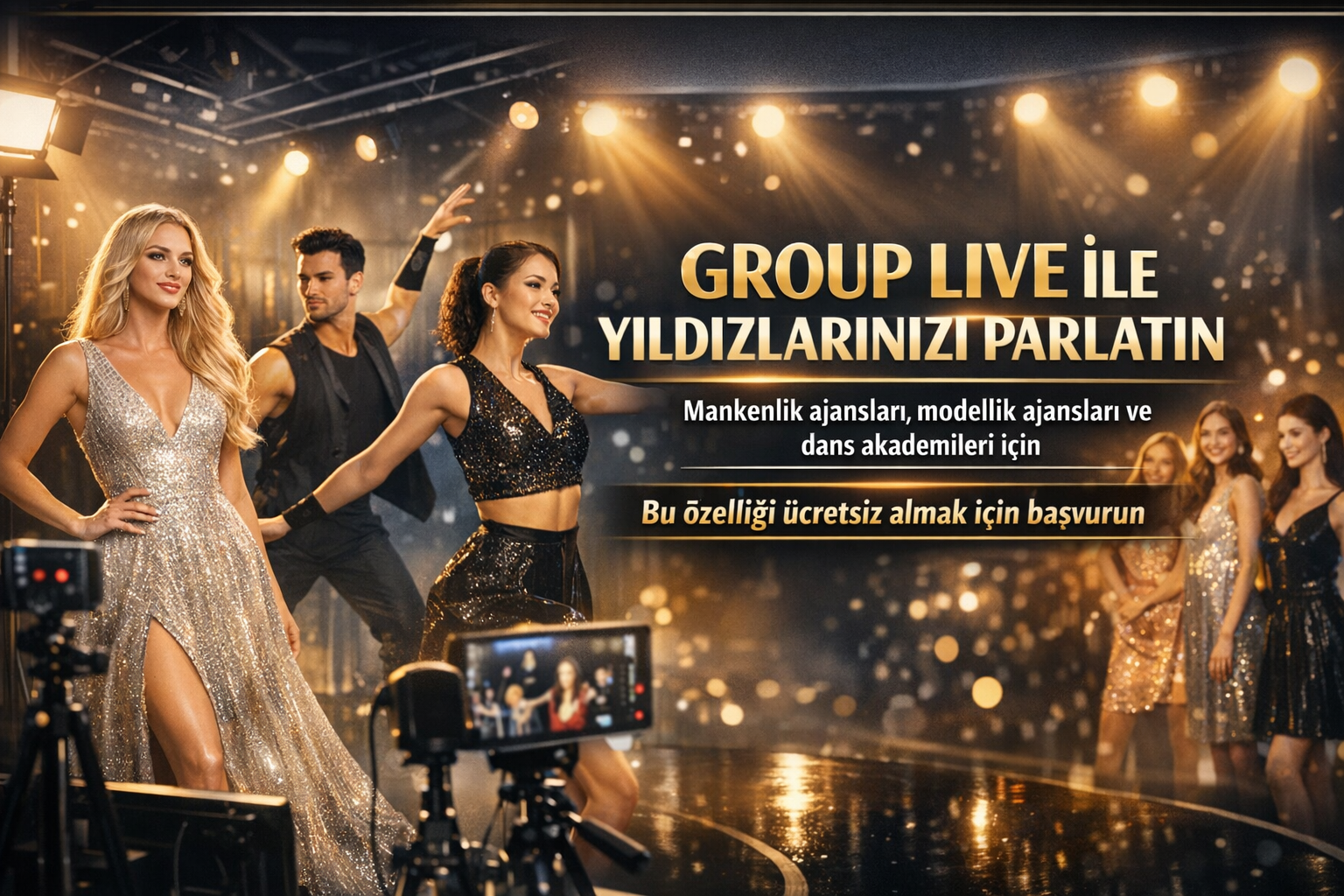
Group LIVE is a co-host or multi-guest broadcast scheme that allows multiple content creators to take part in the same live broadcast on TikTok LIVE.Modeling agencies, dance academies and performance teams can use this format for team introductions, choreography, Q&A and talent showcase. Feature appearance depends on account LIVE eligibility, region, and TikTok's current product reach.
Last update: July 18, 2026 · This article is an application guide based on TikTok's official multi-guest and co-host help pages.
What is Group LIVE?
Group LIVE is a broadcasting scheme in which multiple guests participate in LIVE audio or video alongside a single presenter. TikTok, with its multi-guest feature, publishers can invite guests; It explains that you can manage permissions, layout and moderation from within LIVE. Co-host LIVE, on the other hand, allows multiple content creators to broadcast simultaneously.
Who is it suitable for?
| Structure | Suitable publication idea | Publication target |
|---|---|---|
| Dance academy | Choreography rehearsal, instructor-participant question-answer | Introducing the program and instructors |
| Modeling or modeling agency | Portfolio talk, styling or catwalk preparation | Presenting talents regularly |
| Performance team | Live performance, backstage or team chat | Creating community engagement |
| Talent community | Themed mini show and audience questions | Bringing different members together in the same content format |
Under what conditions can Group LIVE be used?
According to TikTok, to open LIVE, the content creator must be at least 18 years old; The follower threshold specified for LIVE may vary by region. TikTok also notes that LIVE and Gift features are not available everywhere. Therefore, for a team to use Group LIVE, they must control the access of both the main account and the participating guests within the app.
Important:Agency application or technical guidance does not mean that the TikTok feature will be opened, viewing will increase or income will be generated. Ultimate access, account eligibility and platform rules are determined by TikTok.
5-step pre-release setup
- Eligibilitycheck:Verify in-app whether LIVE, co-host or multi-guest widgets appear in your main account.
- Determine the broadcast format:Choose a single purpose: choreography, portfolio chat, training or team promotion. Don't combine too many targets in one post.
- Define the guest role:Plan ahead what each guest will show, how much they will talk, and in what order they will go on air.
- Prepare moderation settings:Manage guest requests, comment filters, and moderator powers from TikTok's multi-guest settings.
- Do a short test:Test the camera, microphone, lighting, internet connection and guests' permissions for a few minutes before broadcasting.
When to use grid layout?
TikTok's official help page states that the grid layout makes guests more visible on screen and is suitable for talent shows. Grid layout can be used in broadcasts where it is important for more than one person to be visible at the same time, such as a dance performance or team presentation. When one person is narrating, a panel layout that highlights the main presenter may be more readable.
Moderation rules that protect broadcast quality
- Limit guest invites to only known accounts or use follower permission.
- Appoint at least one moderator; Preset word blockers and mutes for inappropriate comments.
- Avoid sharing personal contact information, private location and copyrighted content.
- Designate the responsible person to terminate the connection if a guest experiences technical or behavioral problems.
What does CORE Digital support?
CORE Digital can provide guidance on broadcast format, broadcast schedule, technical checklist and moderation plan for eligible teams that apply. This support includes a free application and evaluation process; Feature access, access increase, Gift opening or income results are not guaranteed by TikTok.
Frequently asked questions
Is Group LIVE available to everyone?
No. TikTok LIVE, co-host and multi-guest tools may vary based on account eligibility, age verification, region and current version of the app. Check from within the app for the feature to appear in your account.
How many people can participate in a broadcast?
TikTok states that in multi-guest broadcasts, a limited number of guests can connect via audio or video. Verify the current participant limit in the layout and invitation options that appear on the LIVE screen in your account.
Does Group LIVE guarantee views or revenue?
No. Group LIVE is a broadcast format. Views and revenue; your contentIt depends on variables such as quality, broadcast time, audience interest, account eligibility and compliance with platform rules.
Is Group LIVE support paid?
Pre-application and initial referral to CORE Digital is free. Service scope and eligibility are clarified in writing at the time of application; TikTok product access is determined independently by the platform.
Resources
- TikTok Support: LIVE multi-guest— guest management, layouts and moderation settings.
- TikTok Support: Co-host on TikTok LIVE— co-broadcast definition and steps to start.
- TikTok Support: What is TikTok LIVE?— LIVE availability and regional access notes.
If you would like to evaluate the publication format and application process for your team, you can use thepreliminary application formor contact usfrom thecontact page.