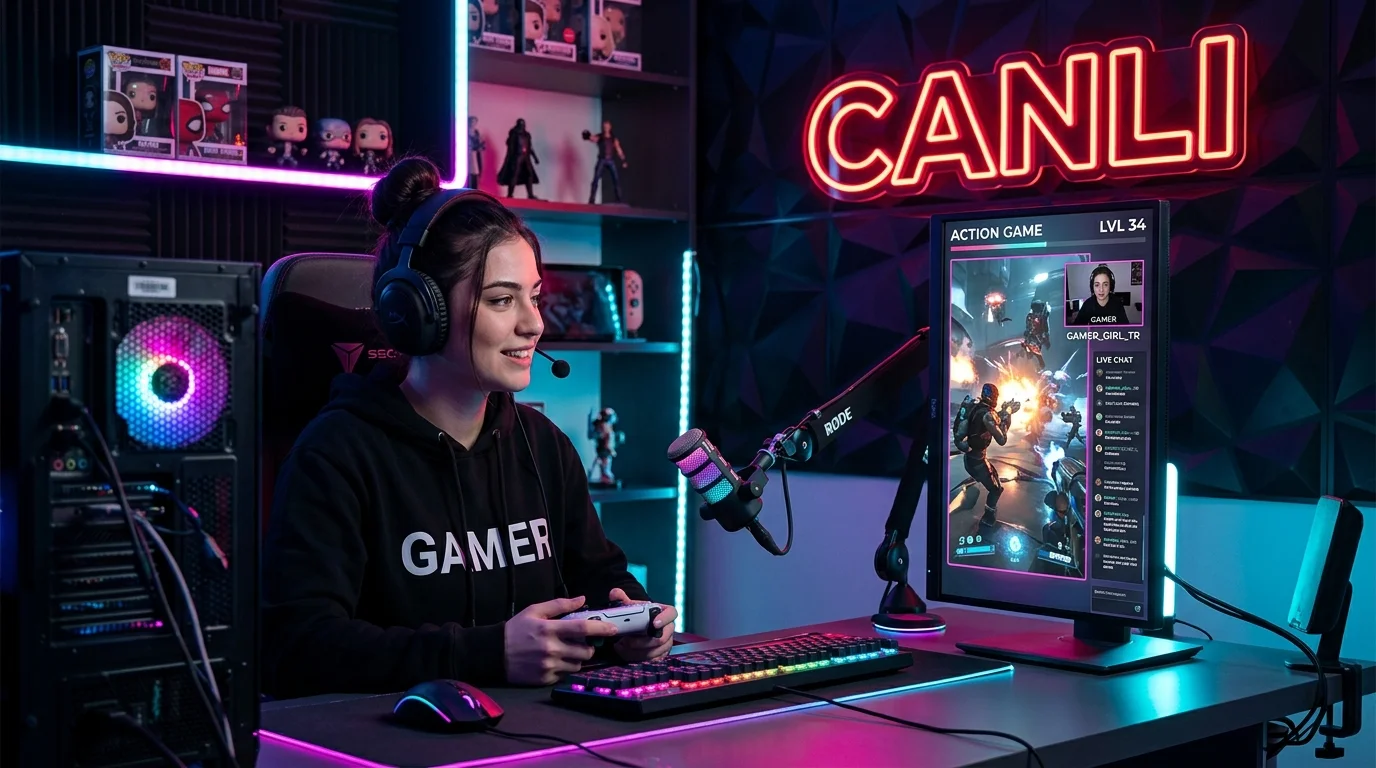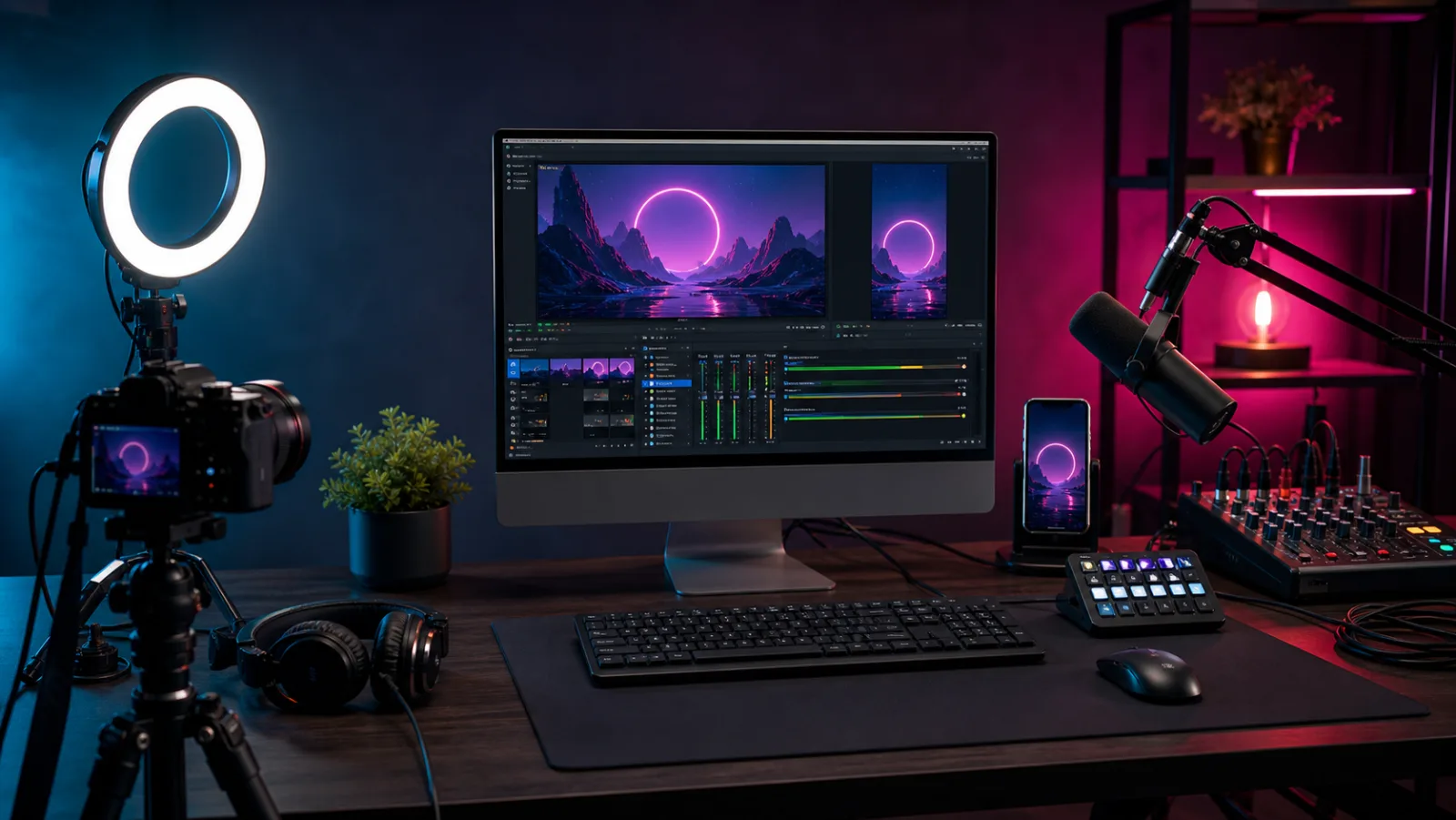
Broadcasting from a computer on TikTok LIVE’içinönce your account must have access to broadcast tableüstü.If you have access, the most direct y isöntem TikTok LIVE Studio’; OBS Studio can also be used if the server address and broadcast key are defined in your account. Theseçoptions may not be available in every account or region.
Last güupdated: July 17, 2026·This guide is Windows-oriented; menünames may vary depending on software sürümünor gö.
What is the difference between LIVE Studio and OBS?
| Title | TikTok LIVE Studio | OBS Studio |
|---|---|---|
| Most suitable user | First tableüpublisher who set up stüpublication | Publisher using multiple platforms or advanced scenes |
| TikTok integration | Embedded mobileömonitoring, LIVE information and metrics | Dependent on publication key access |
| Scene and source | Camera, display, phone mirroring and media sources | Large ecosystem of resources, filters and plugins |
| Installation difficulty | Moreöwith annotation | More flexibility, more technical settings |
| Platform | Depends on official requirements | Windows, macOS and Linux; TikTok link depends on account access |
Check your access before you startö
- Verify that your TikTok account is eligible for LIVE aç.
- TikTok LIVE Studio download or tableüstübroadcast fromçin your account görünüp gör Check thatüis not working.
- If you are going to use OBS, only use the server address and broadcast key officially provided to your account.
- Protect the broadcast key like a password; display görüntüsün göandüçünc Do not share withüpeople.
TikTok states that accounts that do not meet LIVE eligibility requirements cannotçbroadcast. If aöfeature görünmüyorüçüncüInstead of getting used to purchasing access from partiesç, use the official support channel in the app.
1. Train the automatic configurationç
If you are using OBS, search forçs→Follow the Auto-Configuration Wizardpath. The official OBS’quickstartçguide explainsçthat this wizard determines initialçsettings based on computer hardware and network conditions. If you are using LIVE Studio, complete the hardware and network tests in the initial installation flow.
2. Plan vertical and horizontal scenes
TikTok viewersömoist bölümüiçplum on the phone görür. Main yüzünüz,ürününüz or search for gamesüzünüz vertical gümust remain in the given area. LIVE Studio supportsöportrait and landscape düwork and mobileöviewing on the official help page.
- Conversation broadcast:Camera büyük, chat and görsellers are secondary.
- Game broadcast:Game source main area, camera can be read more
- Training broadcast:Screen sharing is the main area, camera and title area are supporting.
- Ürün narration:Ürün close-up, presenter camera and simple information cards.
3. Add the sources in the correct order
Sceneis the entire zen that will be sterilized döon air.If the source is, the camera, microphone, window, screen or camera added to that scene isö. Installing the sources in this order makes debugging easier:
- Camera or capture card.
- Screen, window or game capture.
- Microphone and tableüstüsound.
- Background,çerçhome and information görsellers.
- Standby, main broadcast and short break scenes.
Audience can tolerate weak görüntüyüshort süre; Incomprehensible or bursting sound may causeçoutput from the broadcast. Position the microphone close to your mouth, use headphones instead of speakers, and check that you do not enter the red area where the sound isölçsü.
- Room gürülüsünüreduce; Do not over-filter with software.
- Find a balance between the microphone and the tableüstüsound so that neitherönorçsound comes out.
- Perform sync and echo tests by listening to a second account on the phone.
- Do not use müzik and görüntüwhich are not your copyright.
5. Görüntüand test network settings
} It has no speed. Camera, computer, içplume mobility andöespecially yüconnecting connection affect the result.ÖFirst start with the settings suggested by the softwareö; If görüntüis corrupted or dropped frames in a moving scene, examine the recording and network statistics.Get at least a fewçminutes of local recording beforeöthe broadcast. The official guide to OBS’also recommends doing a short testö, especiallyö, rather than going directly to the first broadcastç. Watch the recording on both computer and phone.
6th PublicationöPreliminary 10-item control
- Is the camera clear and göat z level?
- YüIs z light more understandable than the background?
- Is the microphone picking up sound from the correct device? Are
- Desküstünotifications and personal information turned off?
- Phone in monitoringööAre moist areas cut off?
- Are the standby, main broadcast and break scenes ready?
- ModeratöHave the r and blocked word settings been checked?
- Does the publication title and cover describe the plum correctly?
- Has the quiz recording been watched?
- Broadcast key on screen or on stage görünmütiring?
Troubleshooting
Görüntüfluent
Önce isolate which resource is being strained: cpu/graphics usage yüksex stage complexity orçözünürlüğüreduce; If there is frame loss due to the network, try your connection with a cable and use a setting appropriate to the capacity of yü.
Voice sounds echoey
Check that the same microphone is not added twice. Turn down the volume on the phone you are monitoring and use headphones instead of speakers.
OBS connection seçenergy görünmüyor
Publication key access may not be available on tüm accounts. If you do not have the officialçoption in your account, do not use theüçüncüside yöitems that request the key; Considerçin LIVE Studio or mobile LIVE.
Frequently asked questions
Broadcast with TikTok LIVE Studio açDoesçrequire OBS?
No. LIVE Studio has its own scene, source, audio and mobileömonitoring toolsç. OBS is a separate streaming software.
Can I use TikTok LIVE Studio on Mac’?
Official client support may change over time. Check the official download screen in your account. OBS uses macOS’toç; However, connecting to TikTok’requires appropriate broadcast access on yourçaccount.
Should I share the release key with the agency?
The broadcast key can initiate broadcasts on behalf of your account. An operational necessity açikça we are not definedça do not share; If it has been shared, refresh it after the transaction.
Resources
- TikTok LIVE Studio: LIVE basics—stage, source, mobileömonitoring and metrics.
- OBS Studio official quickstartçguide—auto-configuration, source, audio and testing steps.
- TikTok Support: LIVE issues—compliance and official issue reporting yöreview.